I Trained an AI to Speak Like JFK
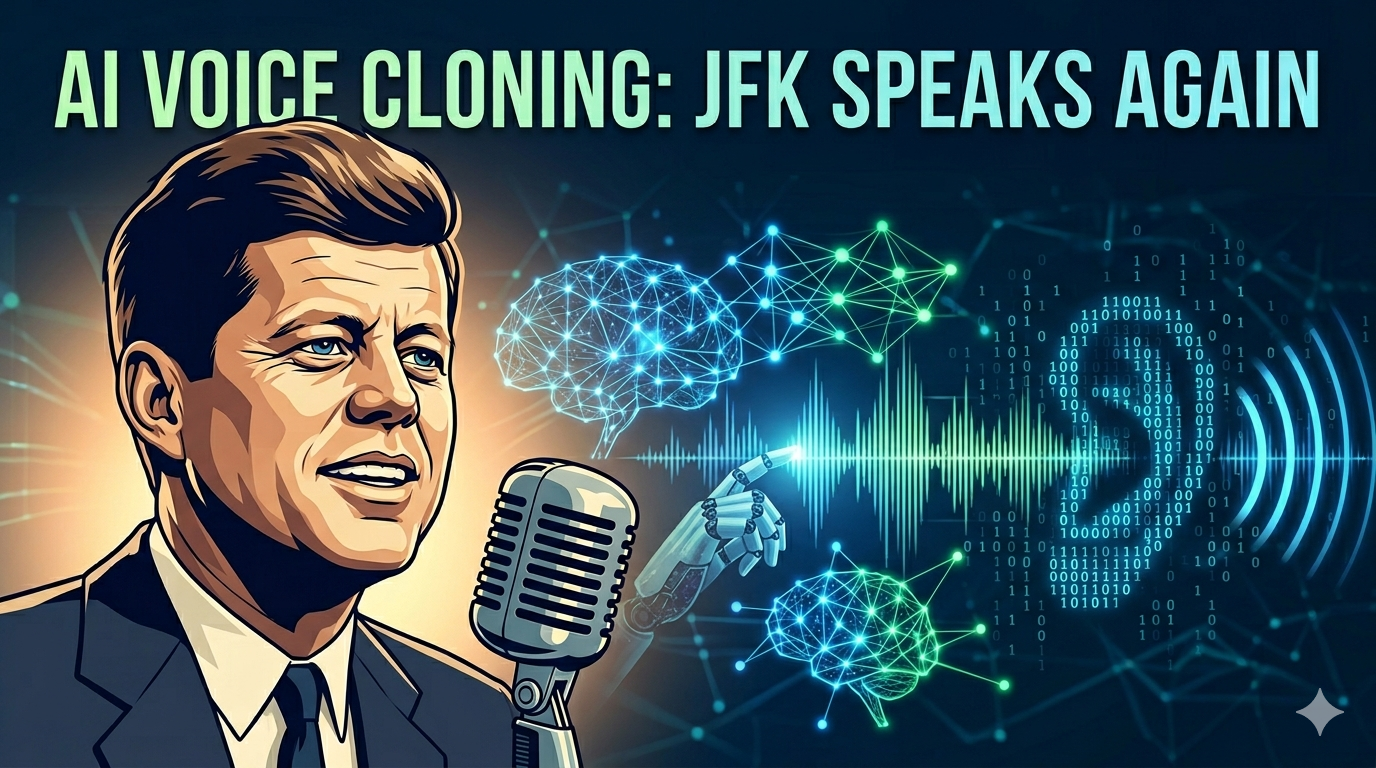
As someone who has always been fascinated by history and the events of the 20th century, I’ve always been keen to explore alternate scenarios, where a famous historical figure lived to see an event that didn’t occur when they were alive.
John F. Kennedy was the 35th president of the United States who was tragically assassinated in 1963. Many do not know that when he was shot, in his clothing was a copy of a speech that he was scheduled to give later that day at the Dallas Trade Mart. The turkey and lunch had already been served, awaiting the arrival of a president who would never make it.
For a long time, I was interested in the idea of what Kennedy would’ve sounded like had he made to lunch safely that day and delivered this speech.
Thankfully, in this age of AI, that is now possible to discover.
I decided to create a system that would train on a corpus of JFK’s speeches from his term in office, and then have that replicated voice read that last Dallas Trade Mart speech, lyrics, and more. This has been a project dream of mine for many years.
Technologies
I first had to pick out the tech stack I was going to use. Python was an easy language choice for ML purposes. In terms of the finetuning model, I could have developed this myself, but I decided to use the F5 TTS open source voice cloning model from GitHub. The reason why was that through Reddit comments and my online research, many people mentioned this as an ideal choice if my priority was speed of cloning. This was also backed up by Claude, who gave me other options like XTTS, but mentioned that F5 was well maintained and optimized for speed. I wasn’t willing to pay for ElevenLabs or a third party proprietary API.
For GPU, I rented an RTX 4000 Ada GPU on Runpod for about $0.27/hr. I was debating whether or not to use the more powerful RTX 4090 or RTX 5090, but as it turned out through my experiments, the budget GPU actually performed very well in terms of inference time. I spent a total of approximately $2 to fully finish this project, which I’m very happy about.
For storing big chunks of data, I initially chose Git LFS since it’s just a natural extension of using Git. But having a HuggingFace repo to store the model checkpoints was a big convenience for me.
Data Downloading
In order to get the voice of JFK to be as good as possible, I found a 4 hour clip of JFK’s speeches from various events on YouTube (yes, that does exist), and I converted it to a large mp3
file. This took a while since a lot of online YouTube to mp3 converters don’t accept clips of that long. I ended up using the yt-dlp library from Python, which directly downloaded the audio from YouTube using the video url into 16 kHz mono WAV format.
Then, the downloaded audio went through a pipeline with the following steps:
Denoising
In the original clip, because the recordings were made in a live environment, there were many instances of clapping, background noise, and other disturbances. To clean these
out of the final chunked training audio, the massive clip was fed through the resemble library in Python, which performed the audio cleaning in conjunction with the torchaudio
library. The repo link to resemble is here. I only needed to call the denoise function once to get the tensor containing the audio, and then using torchaudio, saved it to a local file.
Transcription and Segmentation
Next was the transcription, since the training process needed labels of the spoken audio for validation purposes and for reference text (for inference). For this step, I utilized the WhisperX model (imported Python package) mainly because it is considered to be one of the highest value models for transcription and word processing, as well as Voice Activity Detection (VAD). I used WhisperXto apply VAD, transcribe with timestamps, and return the list of segments, which are just the start and end timestamps, and the text spoken in between these two. The VAD removed the silences and the non-speech segments automatically.
Slice and Export
Finally, I called a function to slice and export the audio into multiple smaller chunks, and build a csv file containing the audio file names and its corresponding transcription for that clip that was generated from the previous step. By default, I added an argument parser so that users can specify how long the audio clips should be. By default, I used 3 seconds to 15 seconds as the range. If there are segments that are too long, they are simply thrown out. Any segments that are missing text or timestamps are also thrown out. The csv file holding the metadata, and all of the audio files (1801 of them) were then saved to a folder in my project.
Finetuning
For the finetuning step, I asked Claude to write and then modify a script in order to perform the training. I first cloned the F5 GitHub repo to my project and added it as a git submodule. I then created a virtual environment in the project and installed all my dependencies like PyTorch, the HuggingFace accelerate library, and all the libraries needed to run my local scripts and the F5 module. I then prepared the dataset, copying all the chunked .wav files to the correct location as expected by F5, and also made sure that if this was the first time that I pulled from remote repo, that there was actual data in the wav folder and the csv files, and not their respective Git submodule pointers (encountered this issue more then once, lol).
I then converted metadata.csv + wavs into raw.arrow and duration.json, which the F5 library needs for efficient training. If this was not done, then there would be a lot of costly I/O operations because the backend would have to read the audio, parse the csv to find the right entry for this audio clip, and match the text + audio.
Apache Arrow and its format allows for memory efficient storage of this information, for example audio decoded into arrays, text, and the sample rate all in one line entry.
On the other hand, the duration.json file serves to help F5 be more efficient with its batching for training. Ideally, similar length audio clips are grouped together in batches to minimize padding, which is wasted computation.
I then modified the accelerate config so that the accelerate library specifically would be ready for the training. This was done by modifying the default_config.yaml file, which contains tunable settings for the training process, like mixed precision, distributed training, number of processes, etc.
Then, I officially launched the finetuning, which would perform the specified epochs, using the hyperparameters defined at the top of the file, and then save checkpoints every so often until the training is done.
Inference
I then ran the inference.py which is a script that would create a .wav file in the outputs folder based on the command line or text file arguments with the speech that
is going to be read. You can select the wav file that would serve as the reference audio clip, and then update the corresponding reference text with the text from that clip.
The inference script contains multiple options as command line options, such as the reference audio clip, the reference text, the output file name etc, and the checkpoint directory. It will use the specified checkpoint passed in as the model to use for inference.
Problems Encountered
There were several issues that I ran into during this project.
-
I initially ran into storage issues in RunPod due to the number of wav files and the checkpoints from the model training. If you want to replicate my code on RunPod, I would suggest having at least 40GB of storage.
-
It is important to know how to save your checkpoints. I used HuggingFace’s Git LFS to store my checkpoints, but it is very easy to get mixed up with using Git LFS in conjunction with Git submodules. There were many times when I forgot to run
git lfs pullbefore running the training script, or forgot to sync using git submodules the files that I needed, like the csv file, or the wav files. -
During model finetuning, I had issues where old checkpoints of a previous run were being reused. For example, if I had a trial run that did 30 epochs, then a 50 epoch run would run strangely fast since it was not actually training from scratch. To fix this, I had to modify my training script such that each experiment would get its own checkpoint directory.
-
When doing inference, I realized that there were the word “government” interspersed in the final audio recording. In addition, when I first asked it to read Taylor Swift’s Blank Space lyrics, the AI voice speed ran through the lyrics, without respecting the line breaks or pauses. To fix the first issue, it turns out that F5 by default requires that the reference text be exactly the same as the reference audio.
In order to fix the second issue, I had to modify the inference script to add pauses between lines. I added a pause parameter that can be adjusted (I used 0.7 seconds) to insert pauses between lines. In addition, I also added a mode parameter that would take two values: “lines” or “sentences”, with a default of “lines”. In the original text file containing the lyrics, there were no punctuation between lines, so the inference script was just reading the text as one long string. Now, if the mode was set to “lines”, then it would present every line break as the end of a line. Otherwise, if the mode was set to “sentences”, then it would present every punctuation mark as the end of a line.
- One unique thing about JFK’s speeches is that the microphone quality from the 1960s were obviously much worse then they are today. In the beginning, the reference audio clip that I used was a very clear sounding clip, which to me made it seem very strange. So I actually switched it out for another clip that had more background noise and static, which to me sounded more authentic to the time period (LOL).
Takeaways
My biggest takeaways from this project is that it is possible to recreate someone’s voice from audio clips, all for free. It is quite amazing the ecosystem that has developed for such projects to be doable. The GPU resources needed were not very expensive at all which was surprising.
There are a few things that would be worth exploring in the future.
-
How long of a testing clip in the beginning do you really need in order to get a good transcription? I used a clip that was 4 hrs, but would 2 hrs be enough?
-
What is the perfect set of hyperparameters to use for best results? This will always be a work in progress.
-
Are there other TTS libraries out there that would be better for this project?
-
Right now, I have to manually go through the list of wav files that were from the dataset to use as a reference. I wonder if there is a programmatic way of doing this, based on some formula or some baseline metric.
Conclusion
This project was a dream come true for me that I had planned for over a year. I’m very happy with the final result and learned a lot about setting up and using an open source TTS library. It does bring up some interesting questions about the ethics of using AI in this way. If such technology is already this accessible and will only get better, can we trust it to not be misused?
A voice clone of the president ordering an invasion of another country could be easily misinterpreted as real, and could have dire consequences, like starting a war that kills millions.
At the end, I was able to generate clips of JFK’s voice reading Taylor Swift lyrics, the 2025 inauguration speech, and more. I highly recommend trying it out if you have the time and resources!
Sources and Results
In my repository, I have the entire list of .wav files that I used, as well as the scripts for inference, data loading, and training. I also have a markdown file that lists all of the experiments I ran for finetuning, and what hyperparams that I used.
For your listening enjoyment, here are the audio clips that I generated using the finetuned model.
Taylor Swift’s Blank Space
JFK’s Dallas Trade Mart Speech (undelivered 11/22/63)
2025 Presidential Inauguration Speech
Thanks for reading!
CZ